Publisher guides
Practical reading for extension publishers: understand search positions, compare competitors and publish across registries. Each guide explains what the public evidence can tell you before you make a decision.
marketplace
Understand the Marketplace through observed search positions and public counters, with context for publishers.

Publisher guide ·
How to choose VS Code extension keywords: a worksheet with real rank data
Choose VS Code extension keywords with a five-step worksheet: relevance, how contested a phrase is, near-top-10 positions, competitor overlap and placement.
Read story
Publisher guide ·
How to compare your VS Code extension's growth with competitors
Compare VS Code extension installs fairly: pick real peers, match dates, use window gains and percentages, handle decreases and gaps, and keep registries apart.
Read story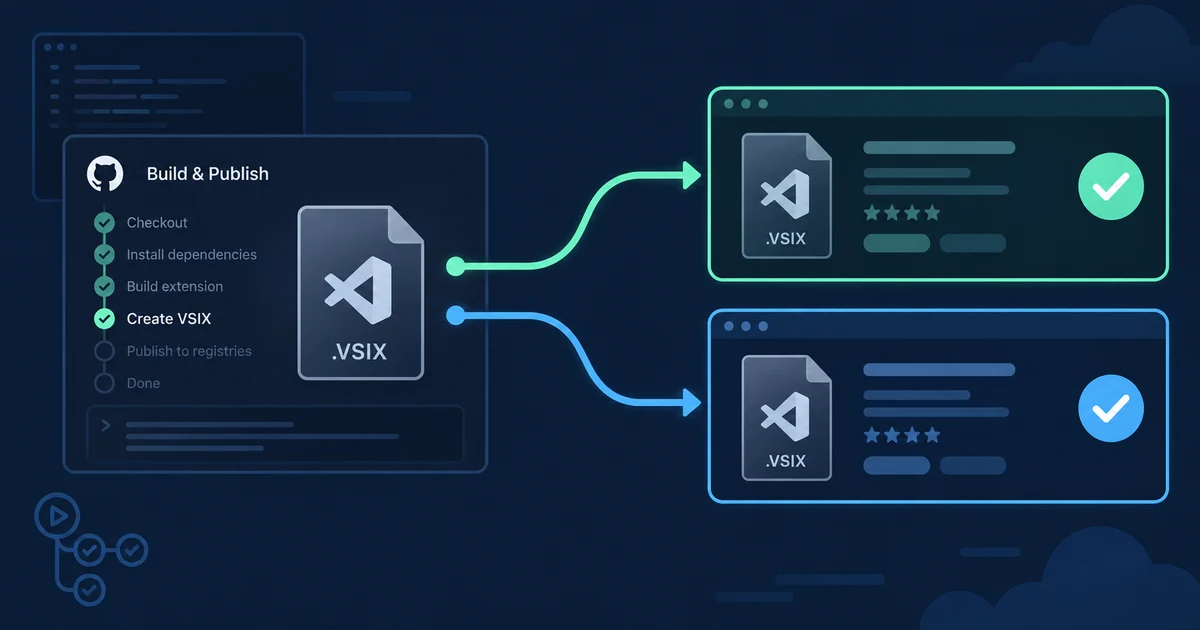
Publisher guide ·
Publish a VS Code extension to the Marketplace and Open VSX from one pipeline
A GitHub Actions workflow that builds one VSIX and publishes it to the Marketplace and Open VSX, with re-runs, pre-releases, targets and checks.
Read story
Publisher guide ·
What does the VS Code Marketplace install count actually mean?
What the VS Code Marketplace install count includes, why updates are excluded, why it can fall, and what 1.9 million daily readings show about decreases.
Read story
Publisher guide ·
Why your VS Code extension isn't showing up in search
Why a VS Code extension is not showing in search: check listing status, editor and registry, rank depth and timing, with dated data from both registries.
Read story
Publisher guide ·
VS Code Marketplace search ranking: measuring jitter and real movement
Learn how VS Code Marketplace search ranking varies between identical searches, how to filter jitter, and which listing fields to review.
Read story
Publisher guide ·
What a VS Code verified publisher badge means, compared with Open VSX
Learn what publisher verification checks on the VS Code Marketplace and Open VSX, how to apply, and what neither registry badge proves.
Read story
open vsx
Publishing and measuring your extension on Open VSX starts with understanding what its registry counts.
Publisher guide ·
Publish a VS Code extension to the Marketplace and Open VSX from one pipeline
A GitHub Actions workflow that builds one VSIX and publishes it to the Marketplace and Open VSX, with re-runs, pre-releases, targets and checks.
Read storyPublisher guide ·
Why your VS Code extension isn't showing up in search
Why a VS Code extension is not showing in search: check listing status, editor and registry, rank depth and timing, with dated data from both registries.
Read story
Publisher guide ·
How to publish a VS Code extension to Open VSX
Publish a VS Code extension to Open VSX with the right account, namespace, token and VSIX, plus practical fixes for common errors.
Read storyPublisher guide ·
What a VS Code verified publisher badge means, compared with Open VSX
Learn what publisher verification checks on the VS Code Marketplace and Open VSX, how to apply, and what neither registry badge proves.
Read story
Publisher guide ·
Why the Open VSX download count looks inflated
Open VSX download count measures package downloads, not unique people. Learn what it can show, what it cannot, and how to compare registry trends.
Read story
ranking
Read search positions, sample ranges and changes within the result window we observe.
Publisher guide ·
How to choose VS Code extension keywords: a worksheet with real rank data
Choose VS Code extension keywords with a five-step worksheet: relevance, how contested a phrase is, near-top-10 positions, competitor overlap and placement.
Read story
Publisher guide ·
What changed before a competitor overtook your VS Code extension?
A dated method for a Marketplace rank drop: rule out jitter, check how many queries moved, list both listings' edits, and log what happened in the window.
Read storyPublisher guide ·
Why your VS Code extension isn't showing up in search
Why a VS Code extension is not showing in search: check listing status, editor and registry, rank depth and timing, with dated data from both registries.
Read storyPublisher guide ·
VS Code Marketplace search ranking: measuring jitter and real movement
Learn how VS Code Marketplace search ranking varies between identical searches, how to filter jitter, and which listing fields to review.
Read story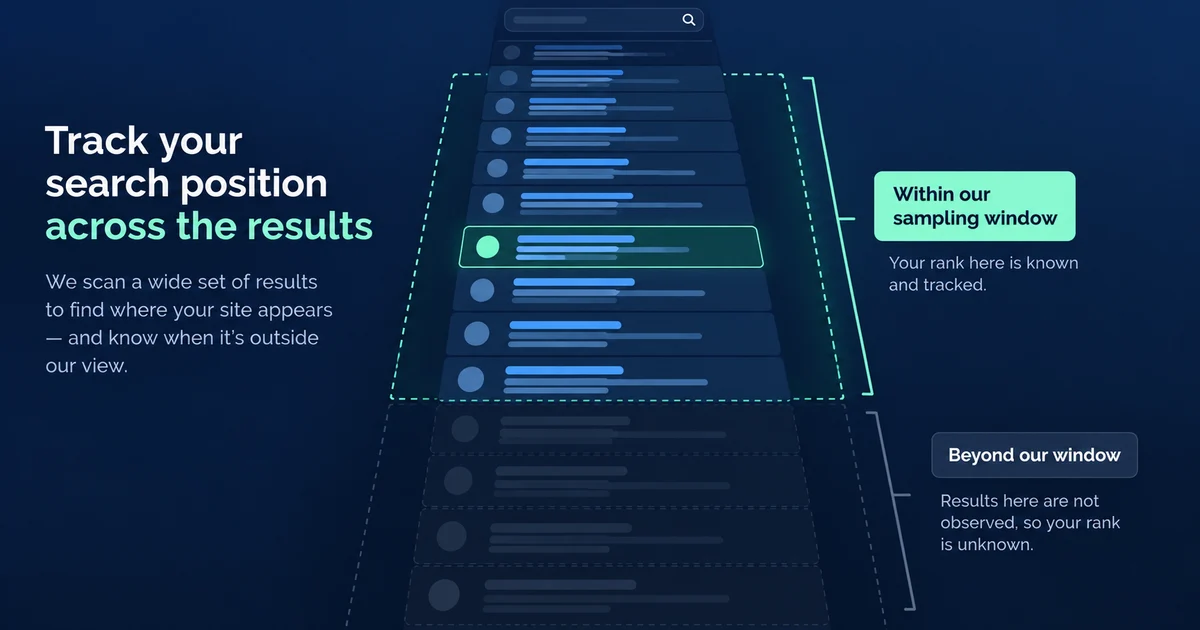
Publisher guide ·
Why a VS Code extension rank tracker needs a 1,000-position window
A VS Code extension rank tracker needs a defined search window. Learn what positions 1–1,000 reveal and how to interpret every missing state.
Read story
installs
Interpret Marketplace install counters and changes over matching observation windows.
Publisher guide ·
How to compare your VS Code extension's growth with competitors
Compare VS Code extension installs fairly: pick real peers, match dates, use window gains and percentages, handle decreases and gaps, and keep registries apart.
Read storyPublisher guide ·
What does the VS Code Marketplace install count actually mean?
What the VS Code Marketplace install count includes, why updates are excluded, why it can fall, and what 1.9 million daily readings show about decreases.
Read story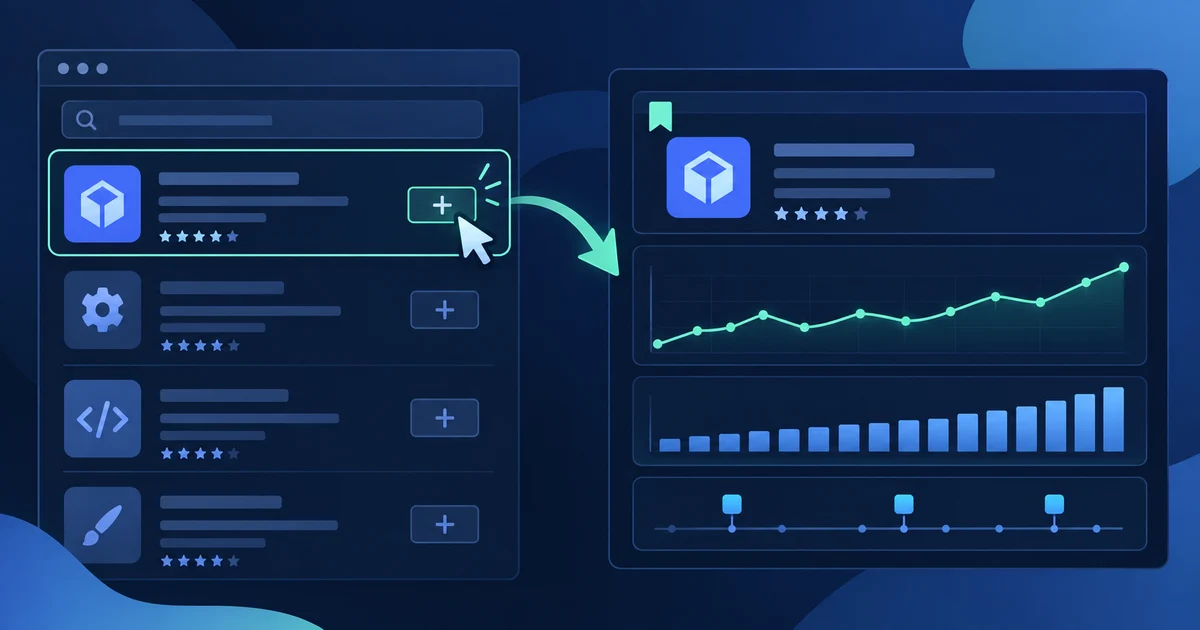
Publisher guide ·
Track VS Code extension installs and search positions without an ownership check
Track a VS Code extension without proving ownership. Set fair competitor comparisons, interpret public counters, and investigate changes with matched dates.
Read storyPublisher guide ·
Why the Open VSX download count looks inflated
Open VSX download count measures package downloads, not unique people. Learn what it can show, what it cannot, and how to compare registry trends.
Read story
publishing
Practical guides to publishing extensions and reaching both registries.
Publisher guide ·
Publish a VS Code extension to the Marketplace and Open VSX from one pipeline
A GitHub Actions workflow that builds one VSIX and publishes it to the Marketplace and Open VSX, with re-runs, pre-releases, targets and checks.
Read storyPublisher guide ·
Why your VS Code extension isn't showing up in search
Why a VS Code extension is not showing in search: check listing status, editor and registry, rank depth and timing, with dated data from both registries.
Read storyPublisher guide ·
How to publish a VS Code extension to Open VSX
Publish a VS Code extension to Open VSX with the right account, namespace, token and VSIX, plus practical fixes for common errors.
Read story
verification
Understand what each registry’s publisher badge verifies and where its assurance ends.
methodology
How we collect, compare and qualify the public evidence behind VSXRank.
Publisher guide ·
How to compare your VS Code extension's growth with competitors
Compare VS Code extension installs fairly: pick real peers, match dates, use window gains and percentages, handle decreases and gaps, and keep registries apart.
Read storyPublisher guide ·
What changed before a competitor overtook your VS Code extension?
A dated method for a Marketplace rank drop: rule out jitter, check how many queries moved, list both listings' edits, and log what happened in the window.
Read storyPublisher guide ·
What does the VS Code Marketplace install count actually mean?
What the VS Code Marketplace install count includes, why updates are excluded, why it can fall, and what 1.9 million daily readings show about decreases.
Read storyPublisher guide ·
VS Code Marketplace search ranking: measuring jitter and real movement
Learn how VS Code Marketplace search ranking varies between identical searches, how to filter jitter, and which listing fields to review.
Read storyPublisher guide ·
Why a VS Code extension rank tracker needs a 1,000-position window
A VS Code extension rank tracker needs a defined search window. Learn what positions 1–1,000 reveal and how to interpret every missing state.
Read storyPublisher guide ·
Why the Open VSX download count looks inflated
Open VSX download count measures package downloads, not unique people. Learn what it can show, what it cannot, and how to compare registry trends.
Read story
naming
Explore listing names alongside observed search positions without attributing movement to an edit.
Publisher guide ·
How to choose VS Code extension keywords: a worksheet with real rank data
Choose VS Code extension keywords with a five-step worksheet: relevance, how contested a phrase is, near-top-10 positions, competitor overlap and placement.
Read storyPublisher guide ·
What changed before a competitor overtook your VS Code extension?
A dated method for a Marketplace rank drop: rule out jitter, check how many queries moved, list both listings' edits, and log what happened in the window.
Read story
keywords
Choose searches to monitor using observed positions and competitor overlap.
Publisher guide ·
How to choose VS Code extension keywords: a worksheet with real rank data
Choose VS Code extension keywords with a five-step worksheet: relevance, how contested a phrase is, near-top-10 positions, competitor overlap and placement.
Read storyPublisher guide ·
VS Code Marketplace search ranking: measuring jitter and real movement
Learn how VS Code Marketplace search ranking varies between identical searches, how to filter jitter, and which listing fields to review.
Read storyPublisher guide ·
Why a VS Code extension rank tracker needs a 1,000-position window
A VS Code extension rank tracker needs a defined search window. Learn what positions 1–1,000 reveal and how to interpret every missing state.
Read story
competitors
Compare competing extensions over the same dates and within the same registry.
Publisher guide ·
How to compare your VS Code extension's growth with competitors
Compare VS Code extension installs fairly: pick real peers, match dates, use window gains and percentages, handle decreases and gaps, and keep registries apart.
Read storyPublisher guide ·
What changed before a competitor overtook your VS Code extension?
A dated method for a Marketplace rank drop: rule out jitter, check how many queries moved, list both listings' edits, and log what happened in the window.
Read storyPublisher guide ·
Track VS Code extension installs and search positions without an ownership check
Track a VS Code extension without proving ownership. Set fair competitor comparisons, interpret public counters, and investigate changes with matched dates.
Read storyPublisher guide ·
Why a VS Code extension rank tracker needs a 1,000-position window
A VS Code extension rank tracker needs a defined search window. Learn what positions 1–1,000 reveal and how to interpret every missing state.
Read story
alerts
Interpret ranking alerts in the context of sampling variation and missing readings.
Publisher guide ·
Track VS Code extension installs and search positions without an ownership check
Track a VS Code extension without proving ownership. Set fair competitor comparisons, interpret public counters, and investigate changes with matched dates.
Read storyPublisher guide ·
VS Code Marketplace search ranking: measuring jitter and real movement
Learn how VS Code Marketplace search ranking varies between identical searches, how to filter jitter, and which listing fields to review.
Read story