Why a VS Code extension rank tracker needs a 1,000-position window
A VS Code extension rank tracker needs a defined search window. Learn what positions 1–1,000 reveal and how to interpret every missing state.

Builds VSXRank · 5 min read
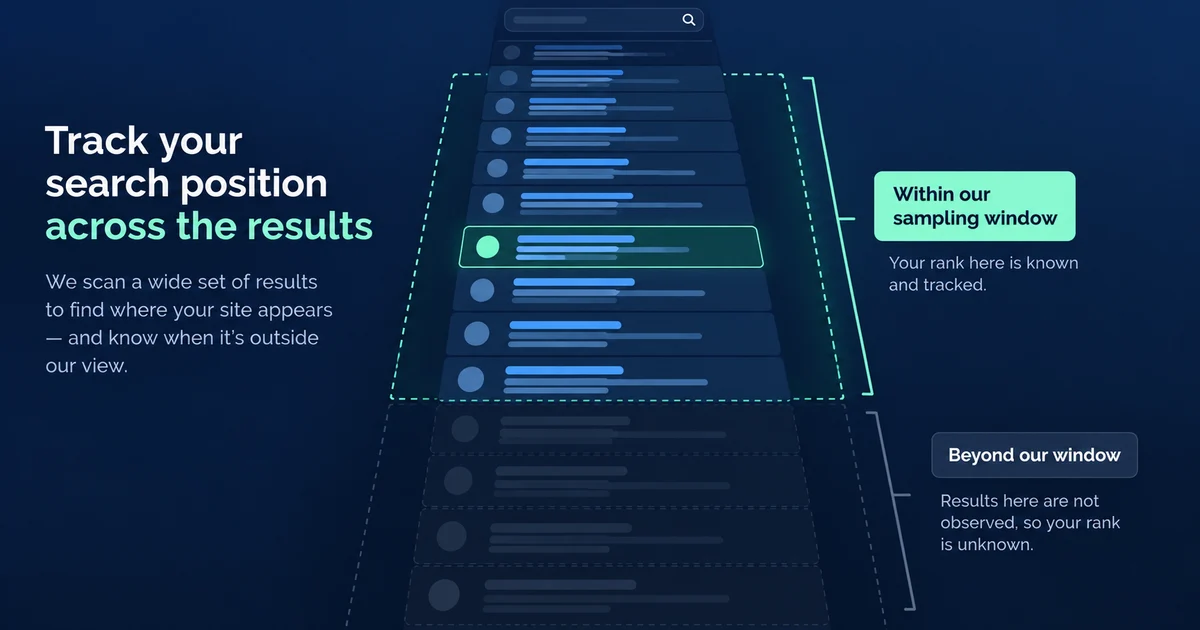
A VS Code extension rank tracker can report only the part of a result list it reads. If it samples 100 positions, “not found” means only that the extension was not observed in those 100; it does not establish absence from all search results. VSXRank reads positions 1 through 1,000 for tracked searches on the VS Code Marketplace and Open VSX. That wider window turns many ambiguous blanks into measured positions while keeping the remaining uncertainty explicit.
How the 1,000-position rank window works#
Microsoft's gallery query contract exposes pageNumber, pageSize, and sorting fields. It states that the requested page is cut from the sorted result set (QueryFilter interface). Microsoft's official vsce search command also accepts a page-size option and defaults it to 100; that is a command default, not a statement that only 100 results exist (vscode-vsce source).
VSXRank requests the first 1,000 relevance-sorted results for each tracked keyword. Our September 2026 probes found that the Marketplace returned at most 1,000 rows when asked for 2,000, so 1,000 is both the configured observation window and the largest page we measured from that endpoint. The Marketplace API used by the VS Code client is not presented as a supported public API, so this behavior should be treated as an observation rather than a permanent contract.
Open VSX publishes its REST interface through its official Registry API documentation. We request 1,000 relevance-sorted results there too. Keeping the same depth makes the two registry columns easier to read, but their result lists and audiences remain separate.
For every returned row, position is its one-based order: the first row is #1 and the thousandth is #1,000. On the Marketplace, three identical samples are rolled into a median position, with the minimum and maximum retained to show ordering variation. The Marketplace ranking and jitter guide explains that sampling method.
“Not found” has more than one meaning#
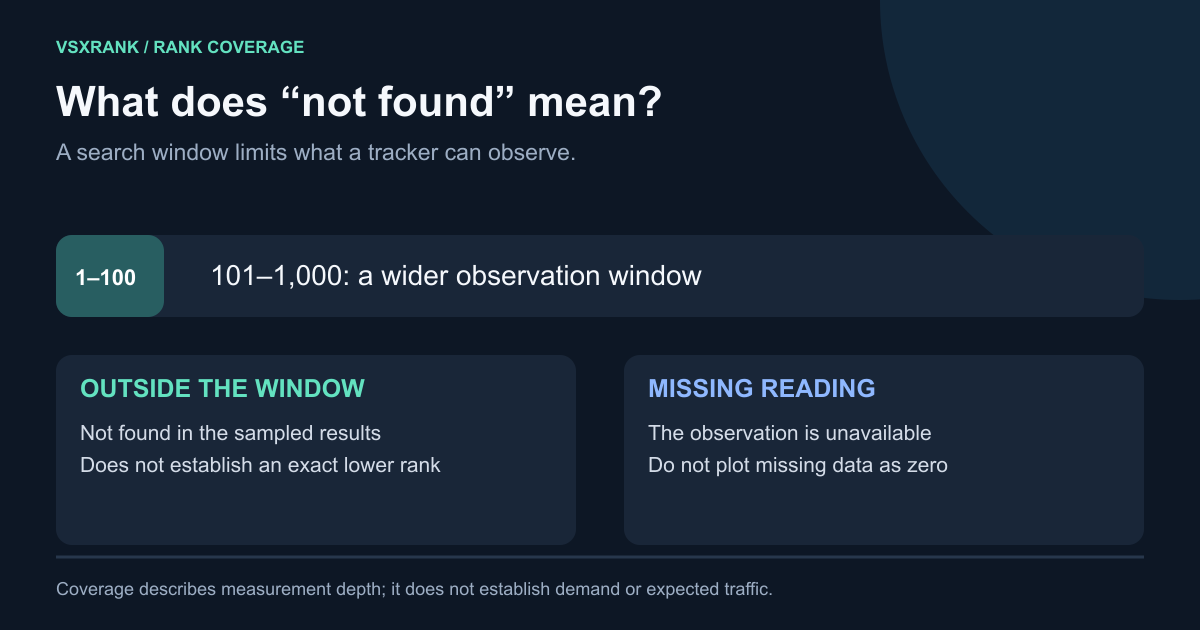
A rank UI should not turn every absence into >1,000. These states carry different evidence:
| State | What was observed | Safe interpretation |
|---|---|---|
| Exact rank, such as #292 | The extension appeared inside the successful sample | Its measured position was inside 1–1,000 for that query and date |
| Outside the window | A successful search did not return the extension in the first 1,000 | No exact position was observed; if the listing exists on that registry, it may be deeper or may not match the query |
| Partial sample | The extension appeared in some Marketplace samples but not all | The median rests on fewer appearances and may look better than the missing sample would have been |
| Missing reading | The crawl did not produce a successful observation for that registry and date | Leave a gap; do not plot zero or infer a fall |
| Not listed | The extension is absent or delisted in that registry's catalog | There is no search position on that registry |
The worker records successful and failed samples separately. A daily rank row stores how many successful samples returned the extension and how many successful samples were available for that search. When those counts differ, the UI labels the reading as partial. A successful sample without the extension supports “outside the window” only when the catalog also confirms that the extension is listed; a failed sample is a missing reading.
A move out of the window also has only one known endpoint. If yesterday was #640 and today's successful search does not return the extension, the evidence is “was #640, now outside the tracked results.” It is not #1,001, and it does not establish how far the listing moved.
A dated example from 5 September 2026#
The table below is a stored snapshot for agsoft.claude-history-viewer, which had 10,476 Marketplace installs that day. It is an example of how query choice and window depth change what can be observed, not a current leaderboard. Positions and result sets may have changed since the snapshot.
| Keyword | Marketplace rank | Open VSX rank | Marketplace #1 |
|---|---|---|---|
| claude code | #292 of 37,861 | #18 | anthropic.claude-code |
| claude history | #11 | #1 | doorsofperception.claude-code-history |
| claude code history | #32 | #2 | doorsofperception.claude-code-history |
| claude usage | #65 | #21 | ArikAizikovich.claude-usage |
| codex history | #7 | #2 | hiztam.codex-history-viewer |
| codex cli | #55 | #31 | BiggerLittleStarBLS.codex-cli-live |
| session viewer | #8 | #5 | SiddheshPrabhugaonkar.q-log-session-viewer |
| code history viewer | #6 | #2 | hiztam.codex-history-viewer |
| ccusage | #11 of 12 | #4 of 5 | aurelio-amerio.ccusage-widget |
The claude code row is the clearest reason for a deeper window. A 100-position sample would say only that the extension was not in the first 100. The 1,000-position sample located it at #292 and preserved the total of 37,861 returned matches. That does not make #292 valuable by itself; it creates a baseline from which a later #240 or #410 can be measured.
The same listing appeared in the first ten for codex history, session viewer, and code history viewer. Those narrower phrases described different parts of the product. The comparison shows why one rank cannot represent an extension and why a keyword list should contain more than a broad category term.
The Open VSX positions also differ from the Marketplace positions. That is useful cross-registry evidence, but the numbers should not be combined into an average: each registry produced its own ordered result set.
Read position together with total results#
The Marketplace response includes result-count metadata, and Open VSX returns totalSize. VSXRank stores that total beside the position. It answers “how many matches did this registry report for this query on this date?”
Total results qualify a rank but do not estimate traffic, installs, or the business value of the phrase. #40 of 80 means the extension appeared halfway through that returned set. #40 of 40,000 means many more rows matched behind it. Both are still #40 in the ordering users received.
A changing total can also accompany a stable position. If a query remains #40 while its returned set grows from 500 to 900, the observed position held while the registry admitted more matches. That is context for investigation, not evidence about the extension's acquisition performance.
Choose queries that make the window useful#
A deeper window is most useful when it measures a relevant phrase before the extension reaches the first screen. It is less useful when it merely supplies a number for an unrelated broad term.
Build a small query set from three sources:
- The job: phrases that state what the extension does, such as
code history viewerrather than onlydeveloper tools. - The integration: tools, languages, or frameworks a user must already have in mind, such as
claude historyorcodex history. - The identity: the product or extension name, especially when similarly named listings appear nearby.
Keep a deep phrase when its history helps answer a decision: Is the listing moving toward the first 100? Did a competitor enter above it? Did it disappear from a successful sample? Remove phrases that remain unrelated to the listing or that you would not use to evaluate its positioning.
Read a rank as a dated observation with four qualifiers: query, registry, window, and sample status. The live demo shows the 1–1,000 window alongside result totals, Marketplace sample ranges, and nearby extensions.