Track VS Code extension installs and search positions without an ownership check
Track a VS Code extension without proving ownership. Set fair competitor comparisons, interpret public counters, and investigate changes with matched dates.

Builds VSXRank · 4 min read
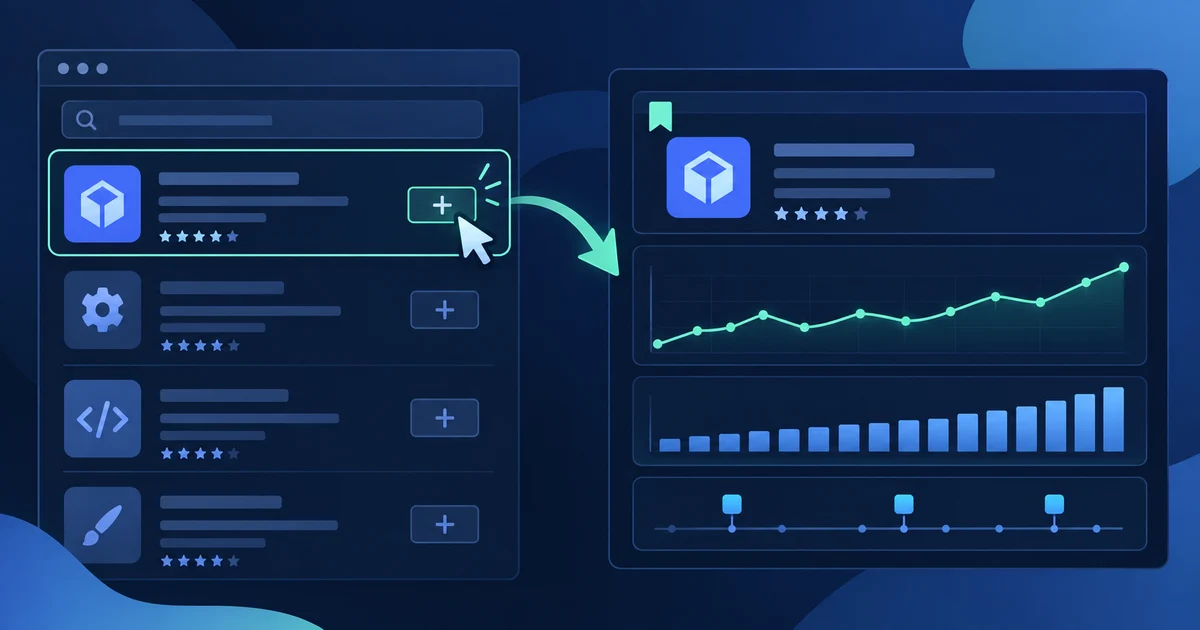
You can track a VS Code extension in VSXRank without proving that you publish it. Add an extension that is already in the catalog by its publisher.name, choose whether it is yours or a competitor, then observe public registry listings over time. That makes the tool useful for portfolio work and market research, while keeping public signals separate from the private analytics that only a publisher can access.
What tracking without ownership means#
VSXRank accepts any catalogued extension as a watchlist entry. The Mine and Watching labels are choices in your account, not verification badges and not evidence of registry control.
| Watchlist choice | Best use | Initial alert setting |
|---|---|---|
| Mine | An extension you publish or manage | Rank, competitor, and listing-change alerts start enabled; rating-drop alerts start disabled |
| Watching | A competing, prospective, or reference extension | Alerts start disabled |
You can change alert rules after adding either type. The label does not change what VSXRank reads from a registry, and it does not grant publishing, namespace, or Marketplace permissions.
Those permissions belong to the registries. Microsoft documents acquisition trends, total acquisitions, and ratings reports in the Marketplace publisher management page. Open VSX handles publishing access through namespace membership and ownership; its namespace-access guidance explains how that control works. VSXRank does not substitute for either publisher portal.
Start with a clean comparison#
Use the exact publisher.name identifier. VS Code documents that identifier format for extension management, for example ms-python.python, in its Marketplace guide. If the extension is present on both registries, VSXRank groups those listings under the same identifier while keeping their measurements separate.
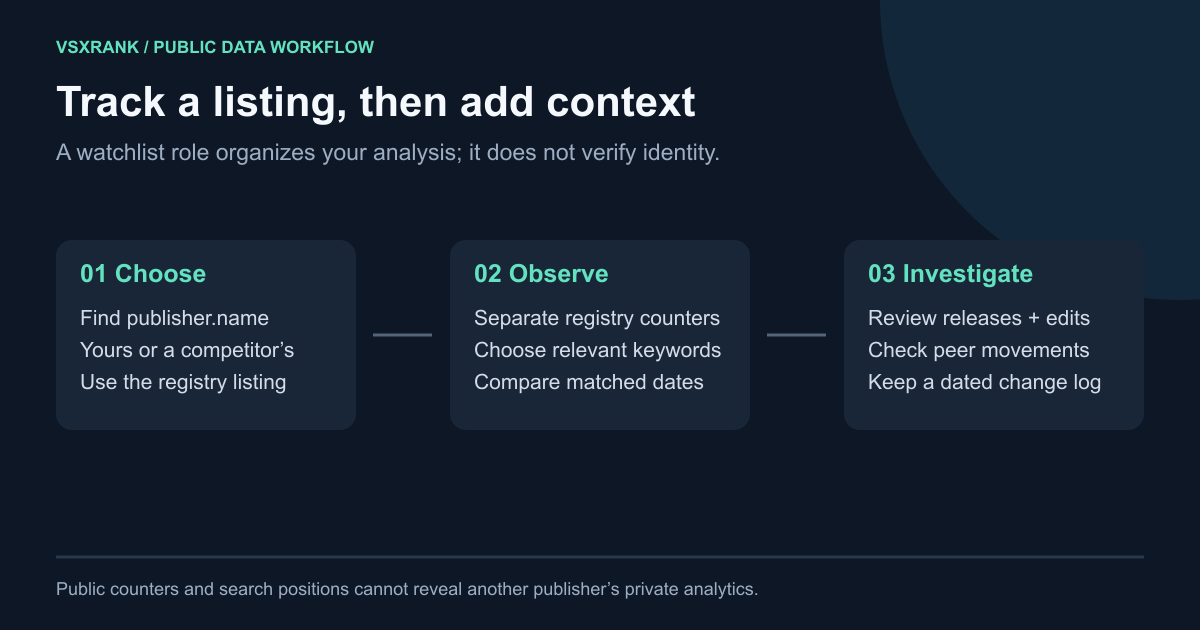
One matching identifier takes one watchlist slot even when it has listings on both registries. Keyword allowance is shared across your watchlist, and pinned competitors use their per-extension competitor allowance rather than taking another watchlist slot. See current plans for the limits that apply to your account.
- Add the extension and select Mine or Watching based on how you want alerts to begin.
- Add a small set of search terms that describe the job a user is trying to do, rather than every tag on the listing.
- Pin peers that solve the same job, target the same editor audience, and appear for at least one of those searches.
- Compare each registry on its own, using the same search, registry, and observed date for both extensions.
This last step matters. Marketplace install count and Open VSX downloadCount have different definitions, and the two registries run separate searches over separate catalogs. Do not combine those counters into a total or treat a position on one registry as a position on the other. Why Open VSX downloads look inflated explains the counter difference in more detail.
Read public data for what it can answer#
The watchlist can help you follow public listing metadata, registry counters, versions, ratings, and search positions. It can show that a counter or rank moved between two recorded readings. It cannot identify people, active installations, revenue, acquisition source, or private publisher-dashboard activity.
When you add a new keyword, the first value may only appear after its next scheduled crawl. A blank rank is not a zero ranking: it can mean the extension was not observed in the sampled result window, or that a reading was unavailable. Marketplace rank changes are checked against repeated samples to avoid presenting ordinary ordering variation as a meaningful move.
History also has provenance. VSXRank’s first-party catalog collection began on 5 September 2026. Where a chart includes an older imported reading, the product marks the boundary, since observations from different collection schedules should not be treated as one uninterrupted day-to-day series.
Investigate a movement before acting on it#
Use a movement as a prompt to inspect the record, rather than a verdict about why it happened.
- Confirm the registry and the two observation dates. Compare only the same counter type and matching intervals.
- Check the version history and release marker for your extension and its pinned peers. A version change is context, not proof of the reason for a counter or rank movement.
- Review the listing-change log for edited name, description, tags, categories, or other recorded metadata.
- Open the shared keyword comparison. Prioritize a term where the competitor ranks and you do not, then inspect each registry separately.
- Decide whether the next step is a listing improvement, a release investigation, or simply another observation window. Keep the original dates in your notes.
This workflow produces a fairer competitor comparison: it treats public observations as evidence of what changed in the listings and rankings, without assigning user behaviour or motivation that the public data cannot show.
Open the live demo to see a watchlist, separate registry views, keywords, competitors, version markers, and listing changes before adding an extension of your own.