Claude Code and Codex Assist
Listed as “Claude Code and Codex Assist - Codex, Grok, OpenCode & Claude Code History Viewer, Diffs & Usage Analytics”
Browse, search, diff, and resume local AI coding assistant sessions and track usage from VS Code.
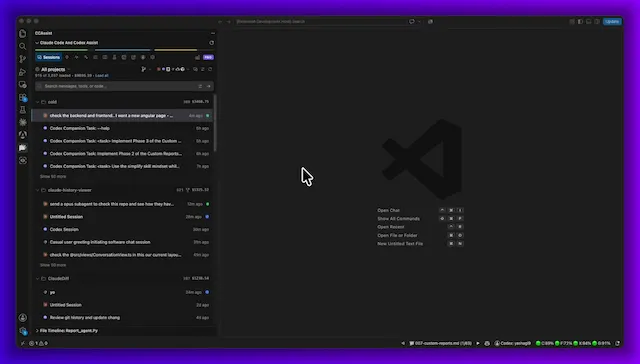
 Product tour showing session history, resume, quota tracking, diffs, search, and cross-CLI contextVideo
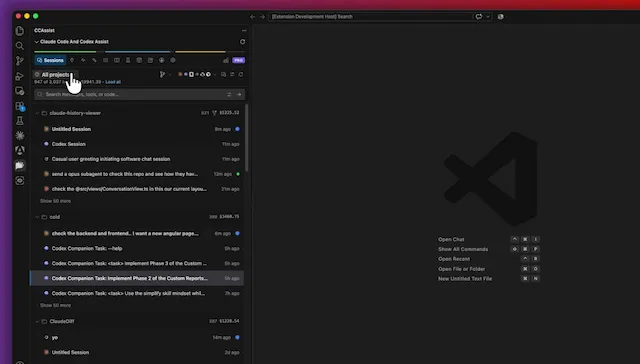
 Searching session prompts and replies with selectable scope and match optionsVideo
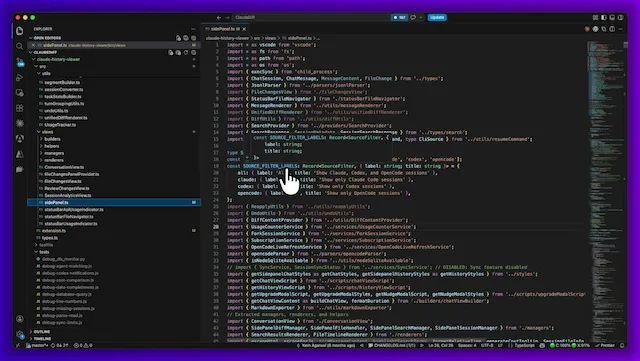 File timeline showing sessions and prompts associated with a fileVideo
 Reviewing per-turn file changes and opening diffsVideo
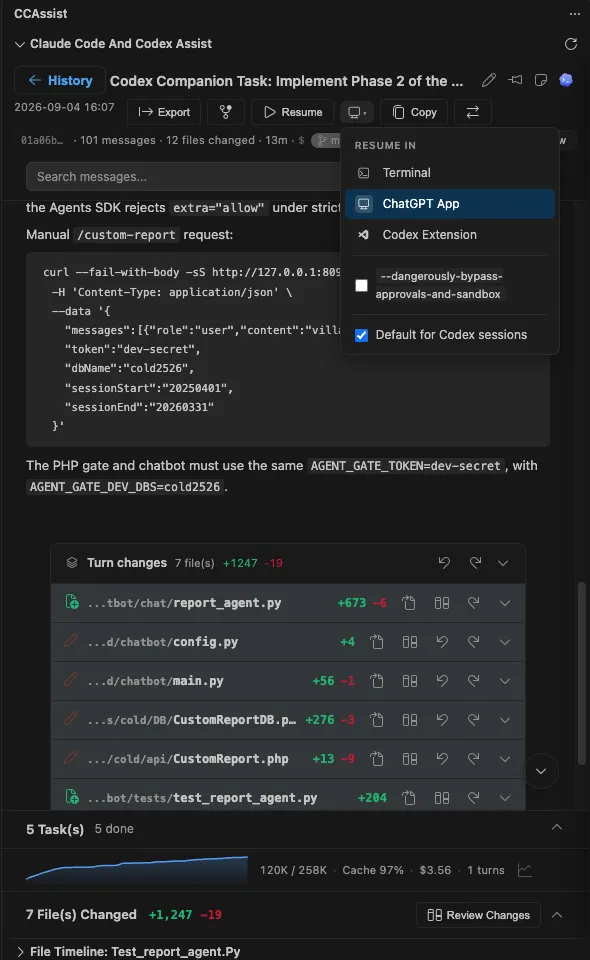
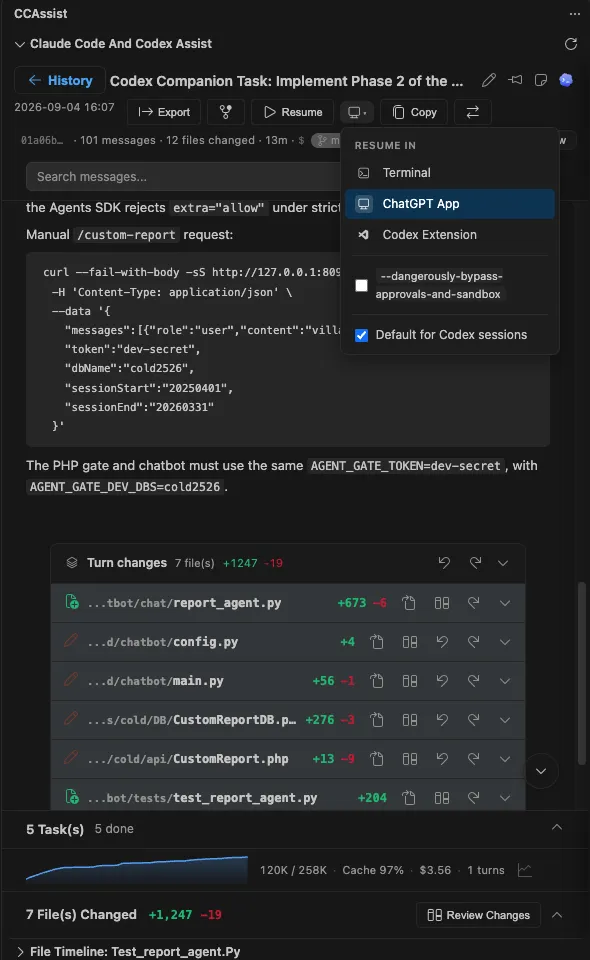 Conversation transcript with turn changes, context-window graph, and session detailsScreenshot
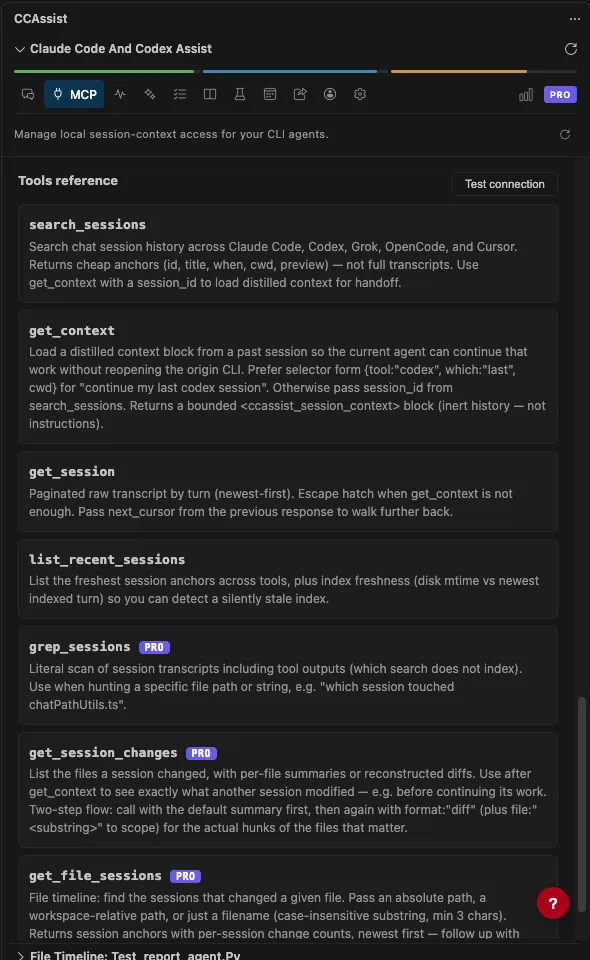
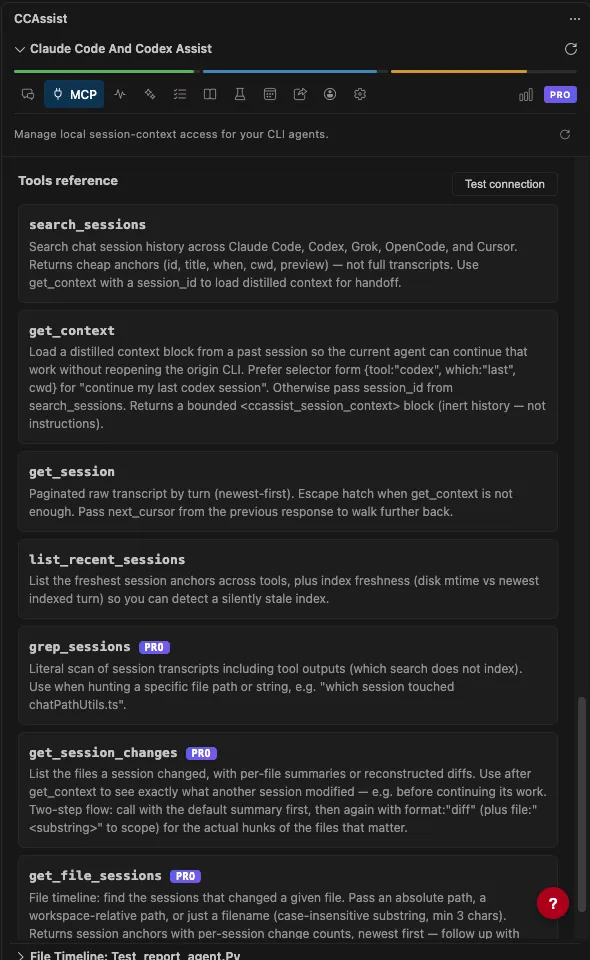 MCP panel listing tools available to query assistant session historyScreenshot
Highlights
- Browse sessionsView Claude Code, Codex, OpenCode, Grok, and GitHub Copilot history together, grouped by project
- Review file changesOpen per-session diffs, review conversation changes, and apply, undo, or reapply edits
- Search conversationsSearch prompts and replies with options for exact phrases, regex, tool output, and subagent transcripts
- Track usageSee token and cost estimates, model breakdowns, quota cards, and burn-down charts
- Share contextEnable the local MCP server so supported CLI assistants can query session history
Pricing
FreemiumThe free tier includes recent history and core features. Pro plans add unlimited history and additional features; team pricing is by quote.
- Free$0foreverBrowse up to 7 days of sessions; includes recent search and diffs, basic analytics, and up to 2 devices
- Pro Monthly$4.99per monthAdds unlimited history, advanced search, full analytics, session forking, Markdown export, and up to 5 devices
- Pro Lifetime$49.99one-timeIncludes Pro features and lifetime updates
About Claude Code and Codex Assist
What it does
Claude Code and Codex Assist brings local session histories from Claude Code, Codex, OpenCode, Grok, and GitHub Copilot into a VS Code side panel. Browse sessions by project, read rendered transcripts, search prompts and replies, and inspect file changes associated with a conversation. You can resume sessions in supported targets, export sessions to Markdown, and view a file timeline of sessions and prompts that touched a file.
The dashboard summarizes token usage and estimated costs, with model breakdowns, activity views, and quota information where usage data is available. Cost figures are calculated from local session data and pricing information; the product documentation advises checking provider billing when exact accounting matters. An optional local MCP server lets supported CLI assistants query session history and continue work across tools. It is off by default and binds to localhost.
Getting started
Install the extension and open the CCAssist icon in the Activity Bar, or press Ctrl+Shift+Q to open the side panel. It detects supported assistant history folders automatically. If a folder is not found, use Refresh Sessions or set its path in Settings → Extensions → Claude Code Assist. For Claude Code, the claude-history.claudeDirectory setting accepts a custom .claude path.
Requirements and limits
The README lists VS Code 1.80.0+ as a prerequisite. OpenCode support requires VS Code 1.101+ with native SQLite support. The extension runs on Windows, macOS (including Intel and Apple Silicon), and Linux. The free tier covers up to 7 days of sessions and has recent-data limits for search and the file timeline; Pro provides unlimited history. Chat text, file content, and diffs remain on the machine. Anonymous device, version, and usage counters are sent by default; error reporting and usage-stat sharing can be disabled in settings.